
one ideaLet's talk
Menu

Smartphone photography course · Lucerne & online

Better pictures with your phone.

With the smartphone you already have: pictures you are proud of. Practice instead of theory – in a small group, for teams or online.

3 hrs
Basic course
iPhone & Android
both systems
Small group
time for questions
No prior knowledge
just be able to use your phone

Same subject · same phone

Snapping or photographing?

Drag the slider. On the left, simply snapped; on the right, photographed on purpose. The smartphone was the same. What changed: viewpoint, distance, light and the balance in the picture.

It’s not the smartphone that decides the picture. You do.

Photographed on purpose: sailing boat, closer in, with the backlit sun included
Simply snapped: sailing boat from the starting position, with no clear balance
Photos: handyfotokurs.ch

How would you like to learn?

Three ways to a better picture.

No tech marathon. You get clear tasks, try them out right away and see in your own picture what works.
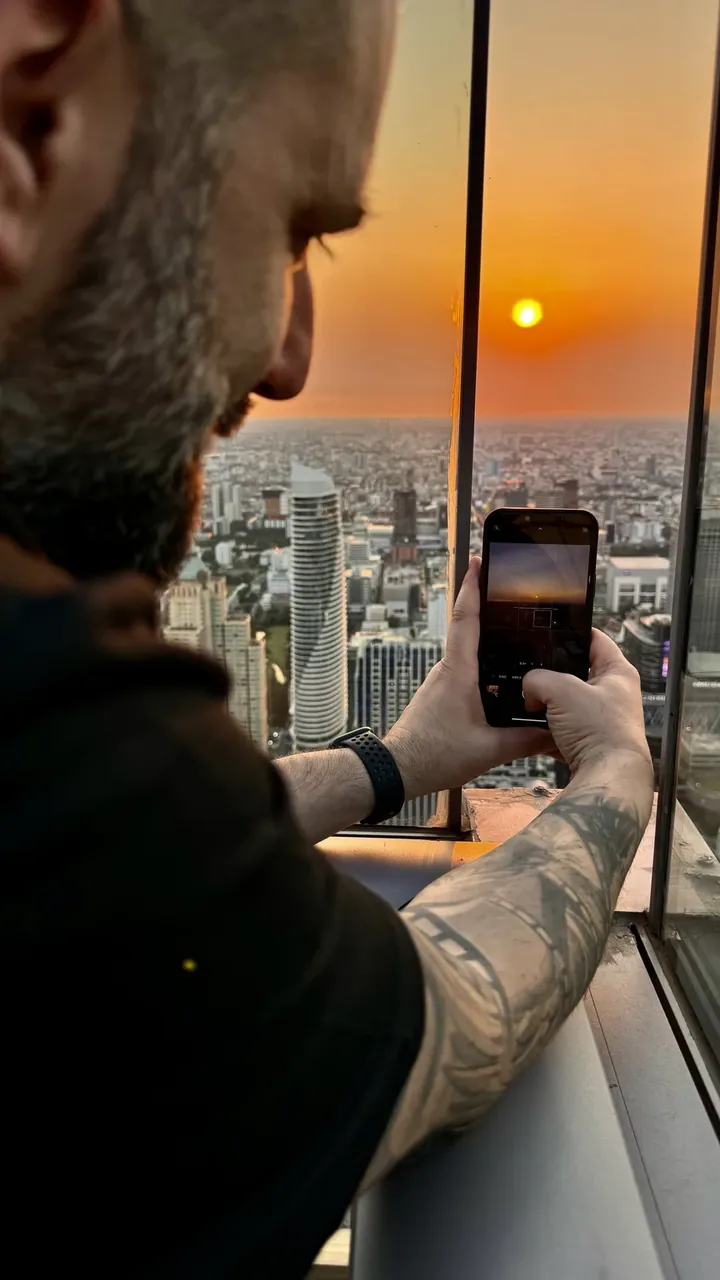
Dave photographs an evening mood over the city with his smartphone

Rothenburg near Lucerne

Small group in the studio

Three hours in a small group, with time for your questions, your own photos and personal feedback.

  • Basics without jargon
  • Shooting and editing
  • Personal guidance
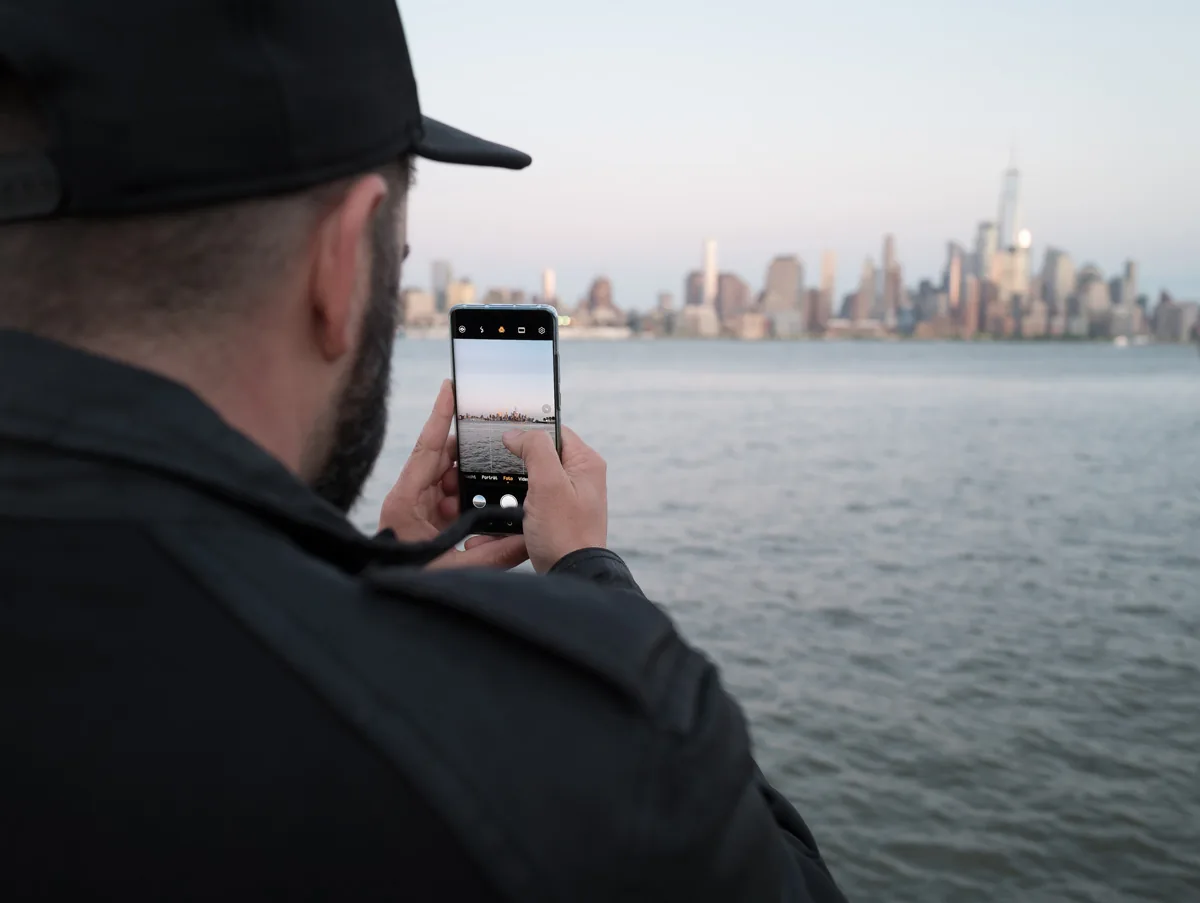
Dave photographs the New York skyline with his smartphone

Teams, clubs, events

Private groups & companies

A course that fits your group, your subjects and your place – from a team workshop to a private event.

  • Individual focus
  • At your place or a suitable location
  • Routes for good and bad weather
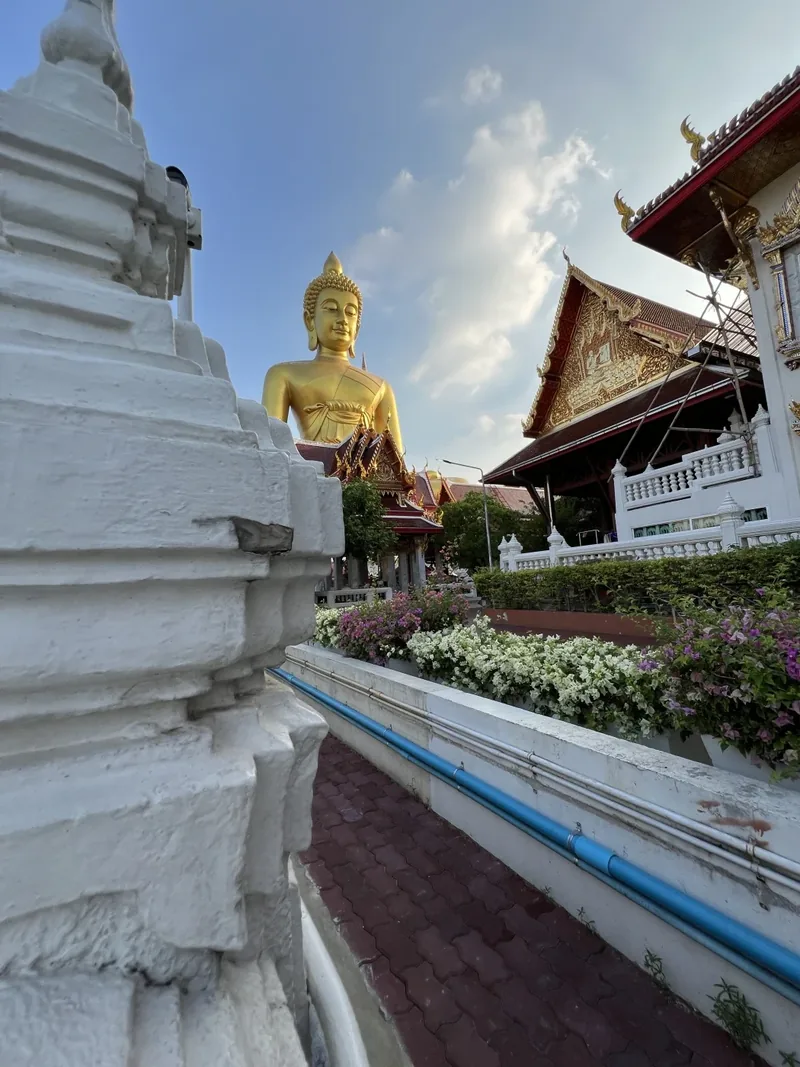
Buddha photo as the starting image for editing on the smartphone

Photo editing

Online advanced course

For everyone who wants to go deeper into editing after the basic course and improve their own pictures together.

  • The complete editing workflow
  • Light, colour and cropping
  • Natural, not over-filtered

Photography begins with seeing

What used to be incidental becomes a picture.

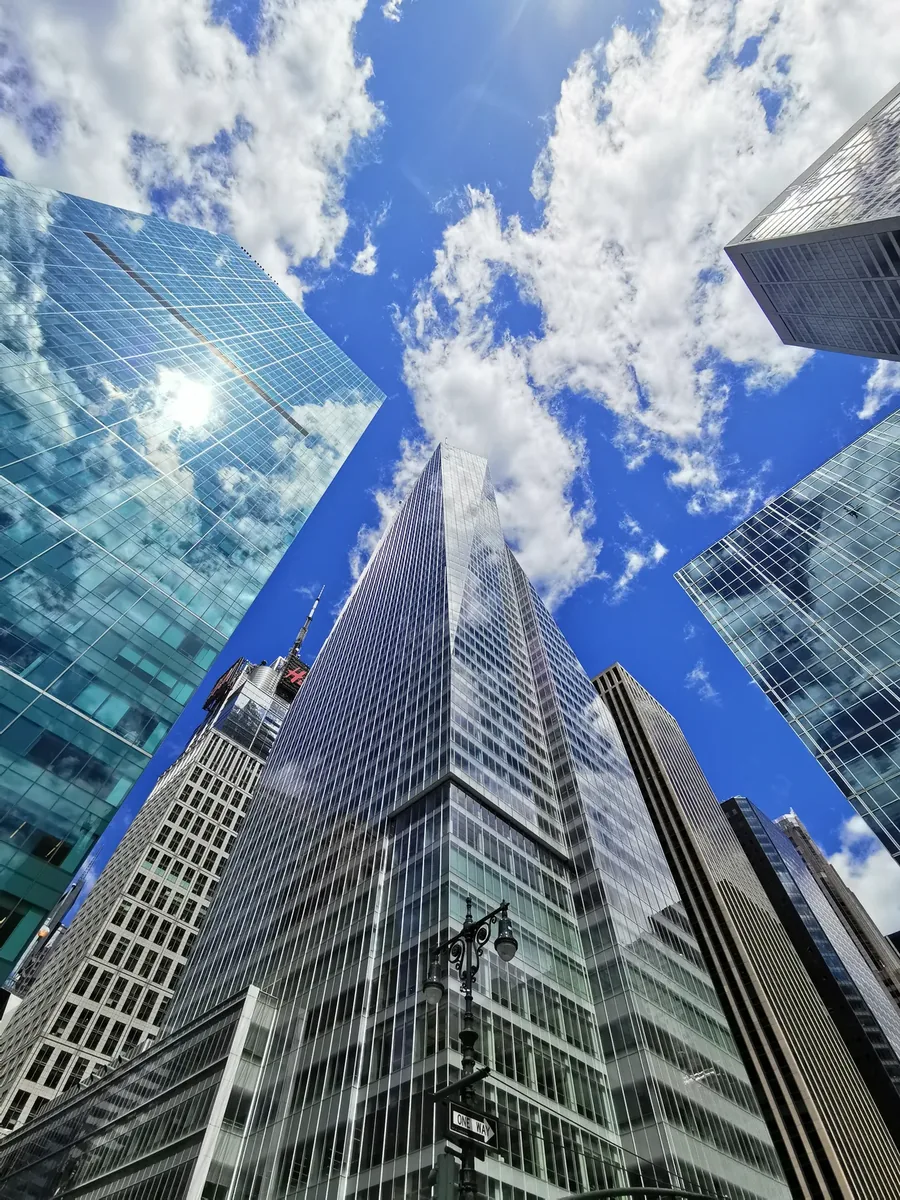
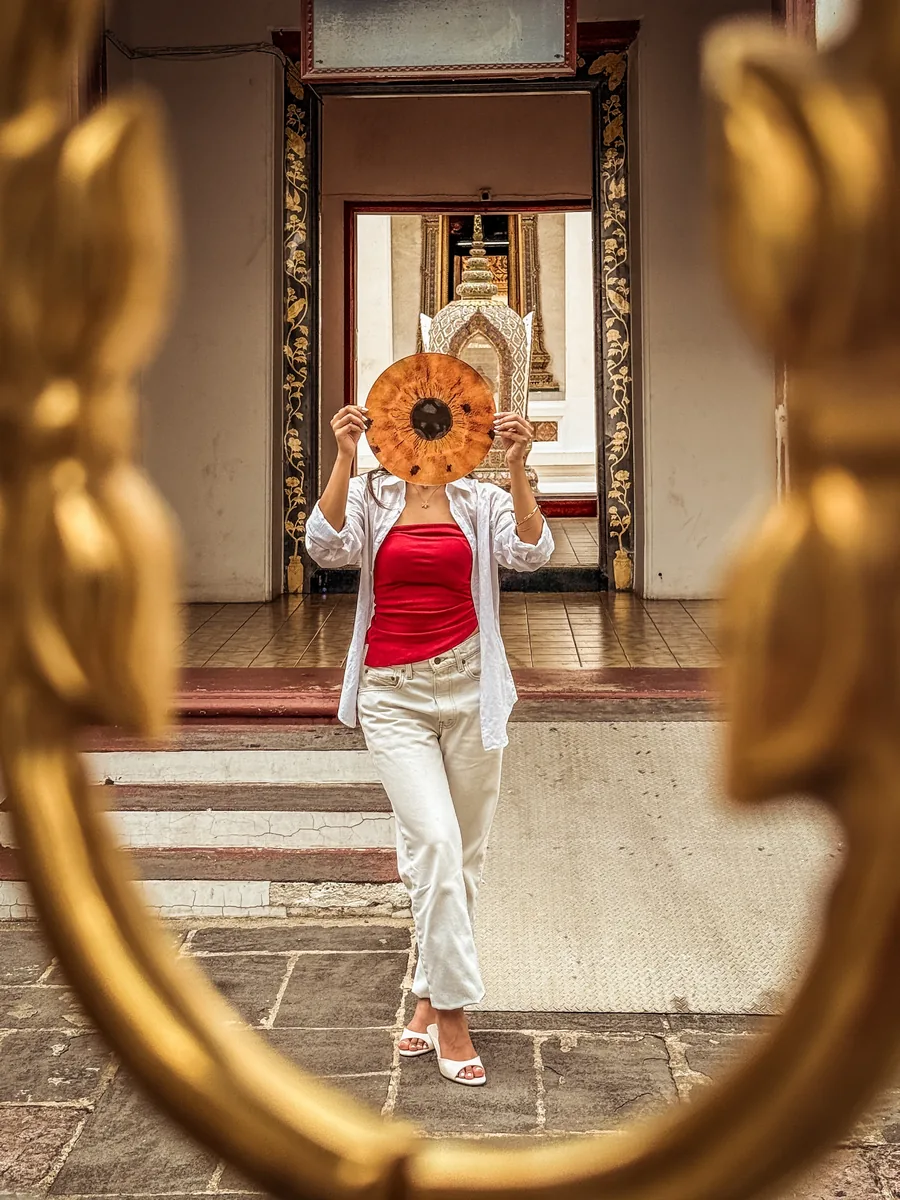
Light, lines, natural frames and a clear main subject: these are exactly the decisions you practise in the course.

  1. Landscape in warm backlight
    01 Light
  2. High-rises from a low angle with clear lines
    02 Lines
  3. Person framed by golden shapes in the foreground
    03 Frame
  4. Coffee and water as a clearly arranged main subject
    04 Main subject

Example pictures: handyfotokurs.ch

The common thread

From the camera to the finished picture.

Every step answers a concrete question. So you know not only which button to press, but why a picture works.

  1. Set up

    Lens, grid, focus and brightness

  2. See

    Recognise the direction of light and the mood

  3. Compose

    Arrange subject, edges and perspective

  4. Shoot

    Clear tasks instead of lucky shots

  5. Choose

    Spot the strongest picture

  6. Edit

    Strengthen the idea of the picture naturally

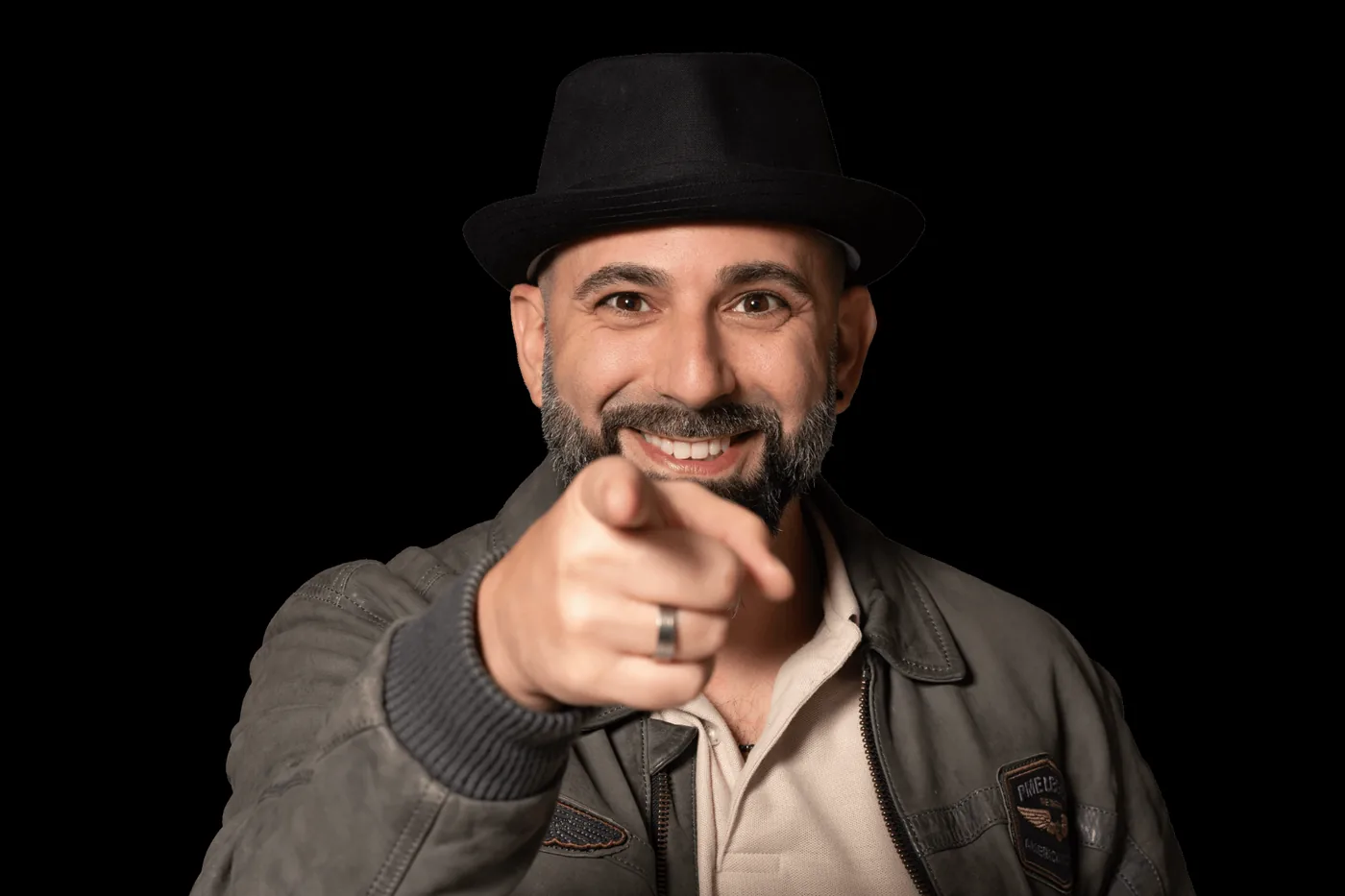
Course leader David Avolio points at the camera, laughing

Your course leader

Who leads the course.

David Avolio, photographer and course leader: more than twenty years of professional photography, translated in the course into clear tasks, understandable explanations and direct feedback on your picture.

Workshops have been held for Volg, Mobiliar, Huawei, Hänni AG and 4B, among others.

Dave as a speaker, too

Quick answers

Frequently asked questions.

01Who is the course for?

For beginners and those with a little experience. You don’t need any photography knowledge – you just need to be able to use your smartphone.

02Does the course work with iPhone and Android?

Yes. The photographic basics apply to both systems. Some menus look different depending on the manufacturer and model.

03How long does a course take?

The small-group course in the studio takes three hours. For company, club and private courses, we agree on length and format to suit the group.

04What do I need to bring?

Your charged smartphone with enough free storage. A charging cable or power bank is a good idea too.

05Is photo editing included?

Yes. You edit your own pictures directly on your smartphone. The online advanced course covers the whole editing workflow in more detail.

06How do I book a course?

You book published dates directly on handyfotokurs.ch. Until then, you can register your interest or a preferred date there without obligation.

Dates & booking

Which course suits you?

Published dates and booking are on handyfotokurs.ch. For groups and companies, just write briefly who you are and what you have in mind.